Qlik Automations was powerful but difficult for new users to approach. Most first-time users faced a blank canvas with little guidance, leading to low activation and failed onboarding.
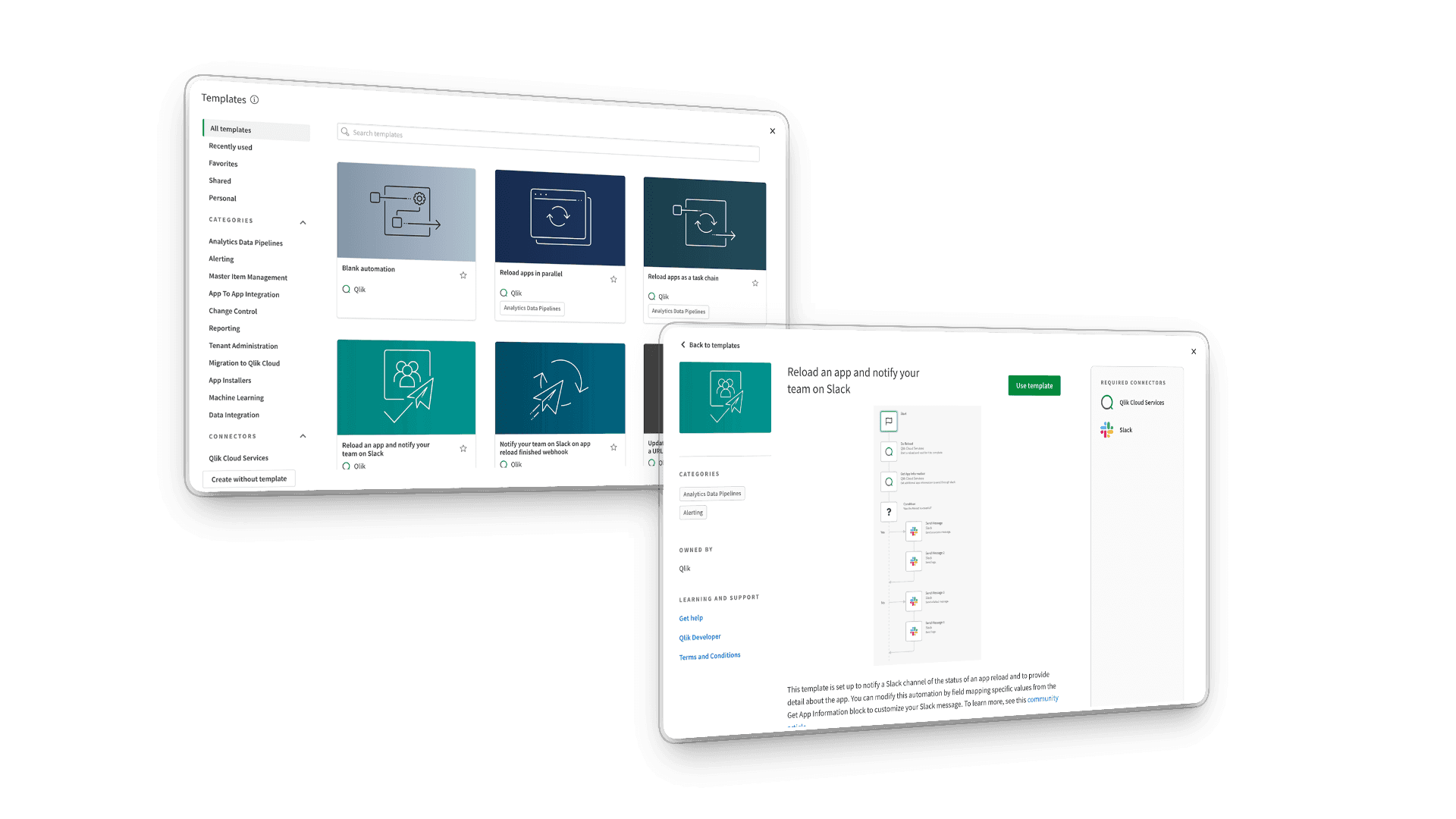
I redesigned the entry experience by replacing the blank starting point with a template gallery of ready-made automation flows organized around real user goals and integrations.
The redesign increased successful automation adoption by 74%, reduced time-to-first-automation by 63% and increased engagement by 45%.
Year
2021 - 2022 (6 months)
Role
Product Designer
THE CHALLENGE
The blank canvas created friction for first-time users
Qlik Automations allowed users to build powerful cross-platform workflows, but the onboarding experience assumed users already understood what to create and how the system worked.
Only 23% of users successfully created an automation, leaving a 77% failure rate for first-time creators.
New users struggled with:
understanding what automations were possible
translating goals into workflows
learning connectors and logic simultaneously
knowing where to begin
The core challenge wasn’t functionality, it was reducing cognitive load without limiting flexibility.
THE SOLUTION
Replacing the blank canvas with guided starting points
The original onboarding experience expected users to understand automation logic before they had experienced any value.
I redesigned the entry point around guided starting templates that helped users start from real workflows instead of an empty canvas.
Templates were organized by use case and integrations, giving users immediate examples of what was possible while reducing the cognitive load of building automations from scratch.
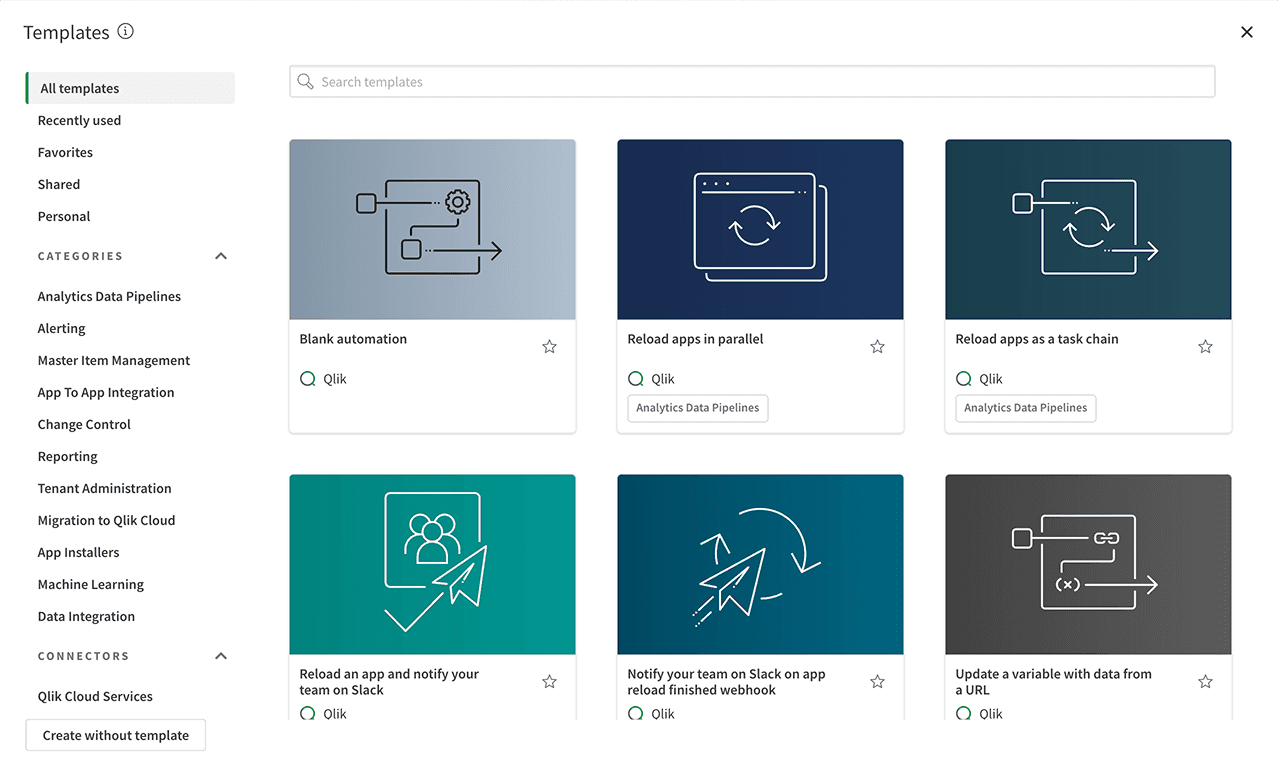
Goal-oriented discovery
Templates organized around common workflows and user goals
Filtering by integrations helped users find relevant starting points faster
Visual previews reduced uncertainty before getting started
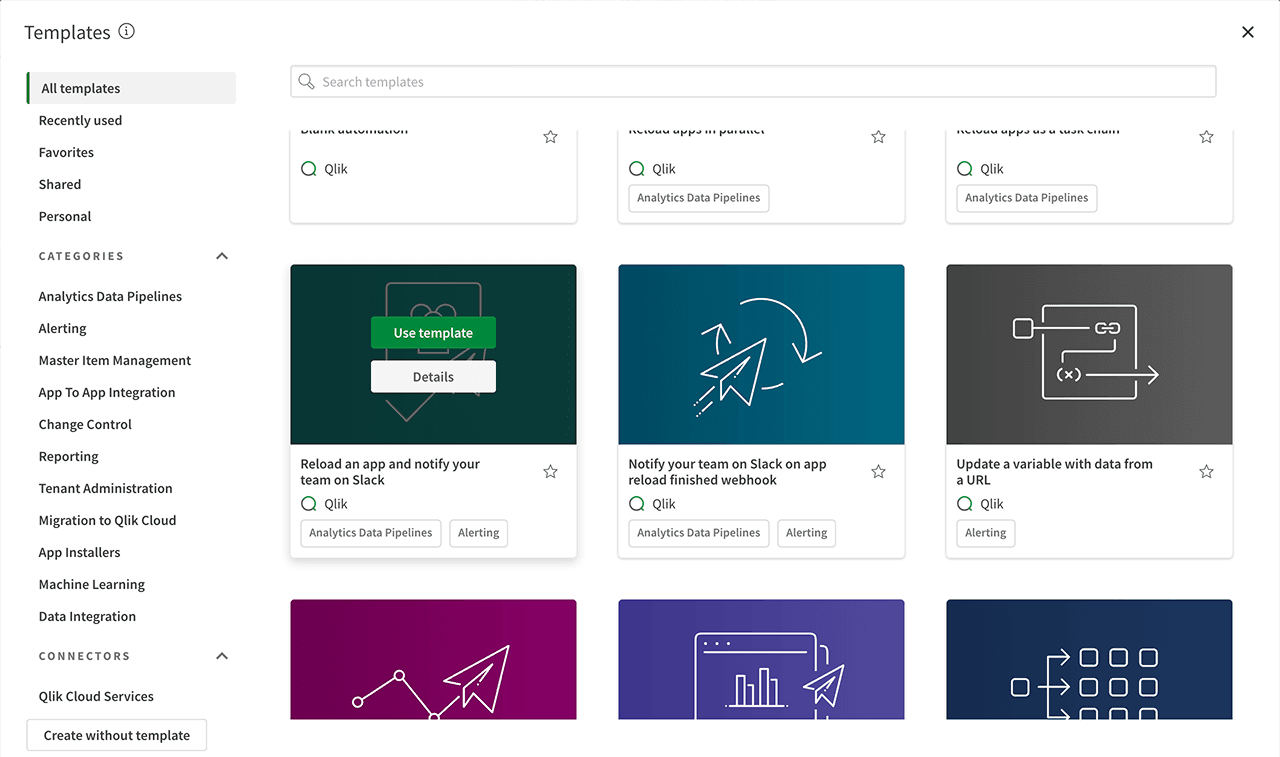
Faster path to first success
Users could adopt templates immediately instead of starting from scratch
Preview flows helped users understand automation structure before editing
Reduced learning friction while maintaining platform flexibility
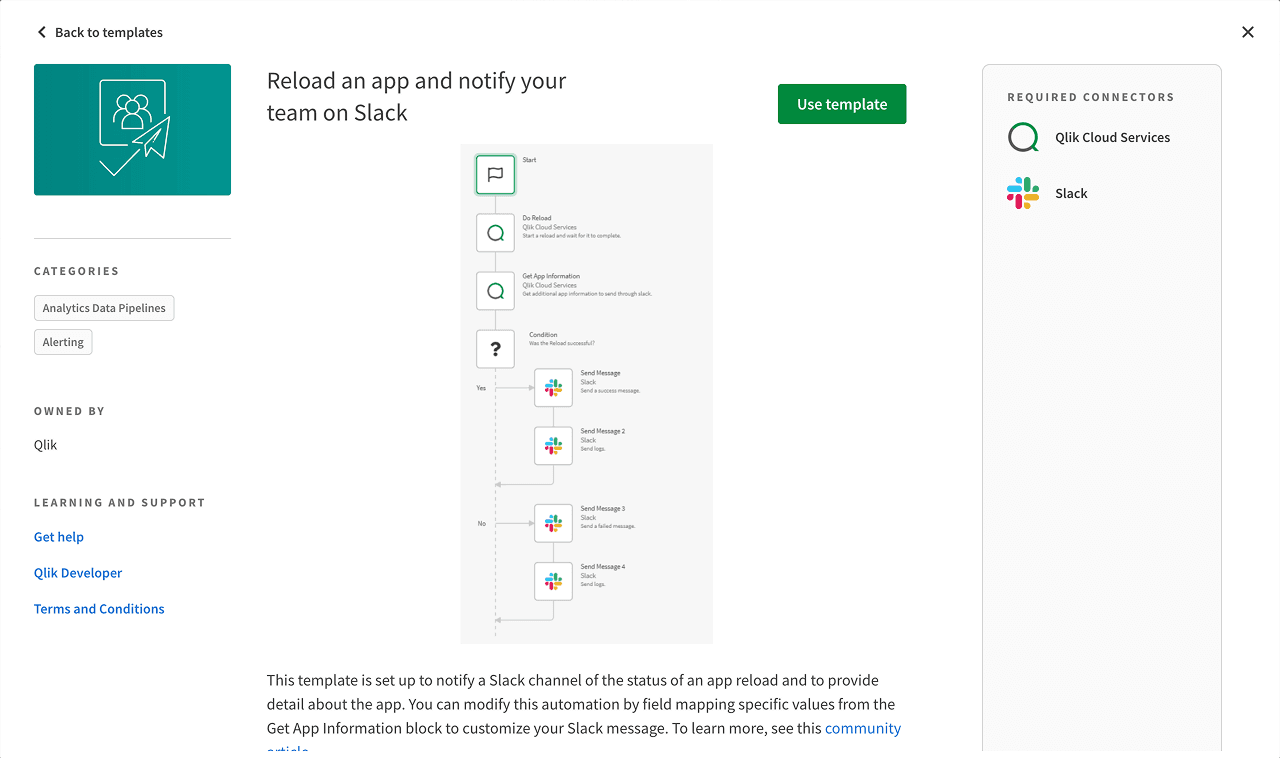
Building confidence through transparency
Detailed previews explained how each automation worked
Required integrations were clearly communicated upfront
Documentation helped users learn while using the system
THE IMPACT
Helping users reach value faster
THE RESEARCH
Why first-time users failed to adopt automation
Research showed that new users weren’t struggling with automation logic itself, they struggled with knowing where to begin.
Most users understood the value of automation conceptually, but the blank canvas created uncertainty and made the platform feel difficult to approach.
Users didn’t need more documentation. They needed concrete starting points and examples relevant to their work.
"I don't need another blank canvas, I need inspiration. Show me what's possible with my data, and I'll take it from there."
Senior Business Intelligence Developer
THE MAIN INSIGHT
Users didn’t lack technical ability, they lacked a starting point
Research revealed that the biggest barrier to automation adoption wasn’t technical complexity, it was uncertainty.
Users struggled to imagine how automation could fit into their own workflows without first seeing relevant examples. Most preferred adapting existing templates rather than building workflows from scratch.
This shifted the design direction away from feature education and technical documentation toward guided onboarding built around inspiration, confidence, and real-world starting points.
DESIGN EXPLORATION
Choosing inspiration over instruction
Early exploration focused on two onboarding directions:
teaching users automation step-by-step through guided onboarding
helping users start from real workflow examples through templates
The onboarding approach improved understanding but added friction before users experienced value.
Research showed that users didn’t want another tutorial. They wanted inspiration, confidence, and concrete starting points they could immediately adapt to their own work.
This shifted the direction toward a template-driven onboarding experience.
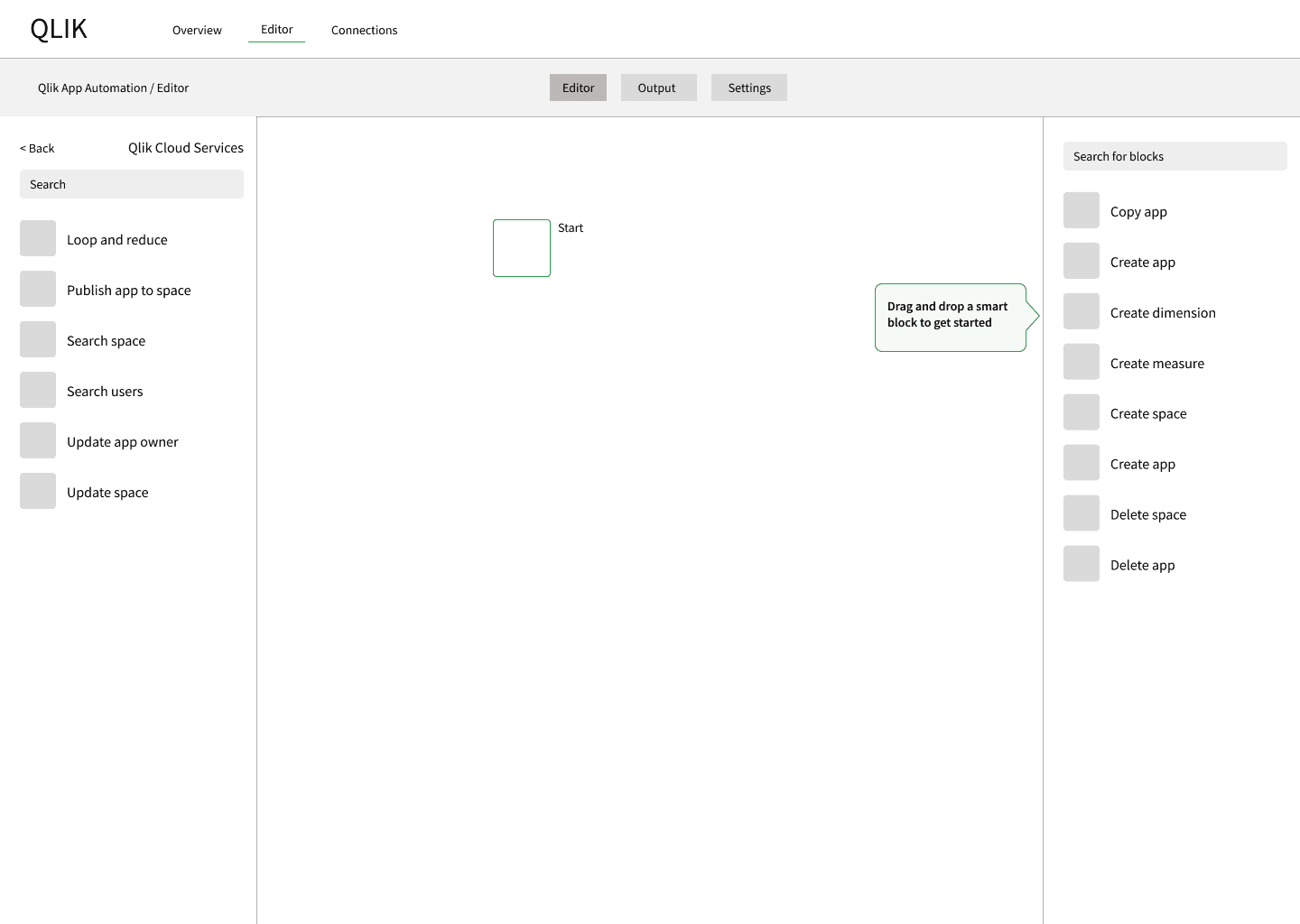
Guided onboarding exploration
Explored contextual onboarding inside the automation canvas
Focused on teaching automation concepts step-by-step
Ultimately rejected due to added friction and slower time-to-value
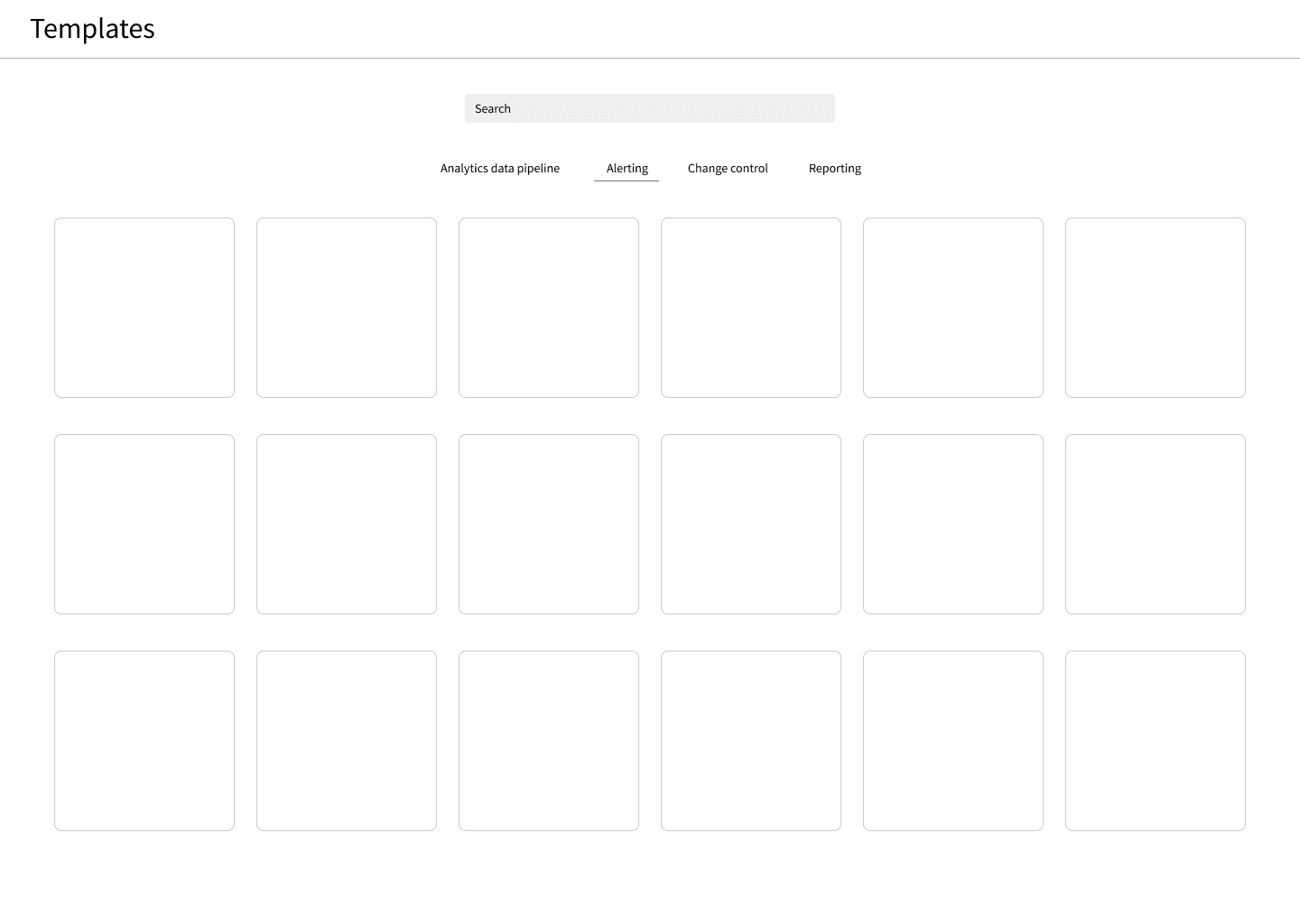
Early template gallery concepts
Shifted onboarding from instruction to example-based learning
Organized templates around common user outcomes
Helped users understand possibilities before creating workflows
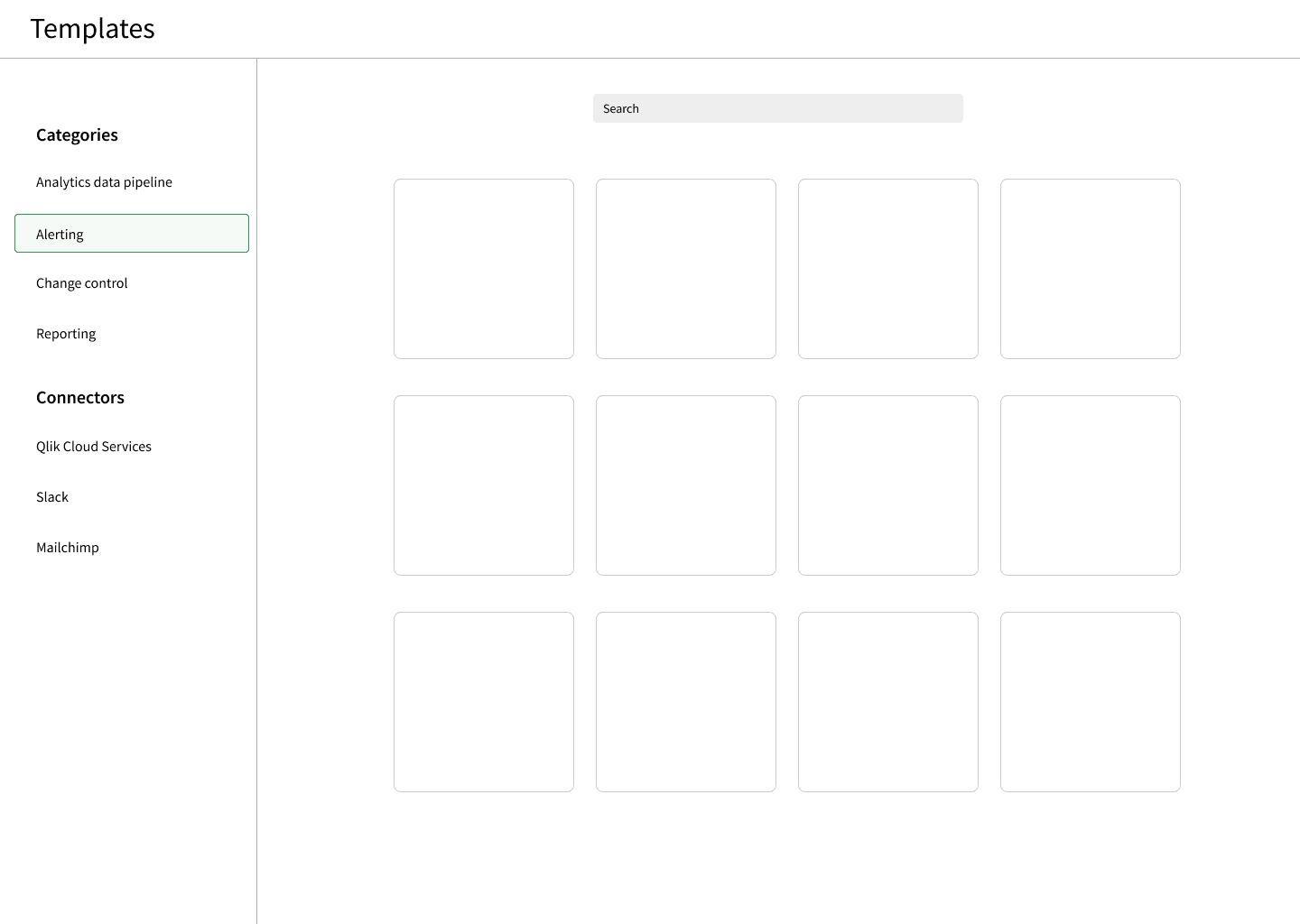
Final onboarding direction
Combined outcome-based and connector-based discovery
Supported different mental models and entry points
Reduced complexity while preserving platform flexibility
Key design decisions
Replaced the blank canvas with guided starting points to reduce onboarding intimidation
Organized templates by both outcomes and integrations to support different user mental models
Added workflow previews so users could understand automations before adopting them
Reduced friction between discovery and execution through instant template activation
TESTING & ITERATION
Testing revealed different user mental models
Usability testing with analysts, BI developers, and administrators revealed important differences in how users approached automation discovery and evaluation.
The feedback helped refine both the navigation structure and the level of transparency needed before users felt confident adopting a template.
1. Supporting different discovery behaviors
Initial approach
Templates were organized only around workflow outcomes and use cases.
User feedback
“I think about my tools first, then what I want to do with them.”
Design response
Added connector-based filtering alongside use case categories, allowing users to discover templates through either a tool-first or task-first mental model.
2. Building trust before adoption
Initial approach
Template cards provided only minimal information before activation.
User feedback
“I need to understand what this actually does before I commit to trying it.”
Design response
Expanded preview cards with workflow visualizations, required integrations, and clearer explanations of business value so users could evaluate templates before adopting them.
THE FINAL RESULT
Replacing the blank canvas with guided starting points
Instead of starting from an empty canvas, users could browse real workflow examples, understand what each automation did and adopt templates directly from the gallery.
The experience reduced onboarding friction by giving users immediate clarity, practical inspiration and a faster path to successful automation creation.
LEARNINGS
Insights that shaped how I think about product adoption
This project changed how I think about onboarding and user confidence.
I learned that successful adoption rarely comes from explaining features better. It comes from helping users immediately understand how a product fits into their own workflow.
Several principles from this project still influence how I approach product design today.
Inspiration creates confidence faster than instruction
Users didn’t struggle because automation was too advanced. They struggled because they couldn’t imagine where to start.
Concrete examples and visible outcomes created momentum much faster than tutorials or documentation.
Empty states shape product perception
The blank canvas unintentionally communicated complexity and uncertainty.
Replacing it with guided starting points changed how approachable the platform felt before users even created their first automation.
Mental models matter more than navigation structures
Some users thought in terms of workflows. Others thought in terms of connectors and tools.
Supporting both discovery paths made the experience feel significantly more intuitive across different user types.
Reducing uncertainty increases adoption
Users wanted to understand what a template would actually do before committing to it.
Visual workflow previews and transparent template details reduced hesitation and increased confidence.
Metrics create better product decisions
Defining clear activation and onboarding metrics early helped the team evaluate design decisions against measurable outcomes rather than assumptions.
Back to selected work